In the cloud, data leaves the building.
Loota brings the AI in.
Loota runs on your own server and answers questions using your organisation’s documents, with references you can check.
Loota also makes finished PDF, Word and Excel files on request. The file is created on your own server, not in an outside service.
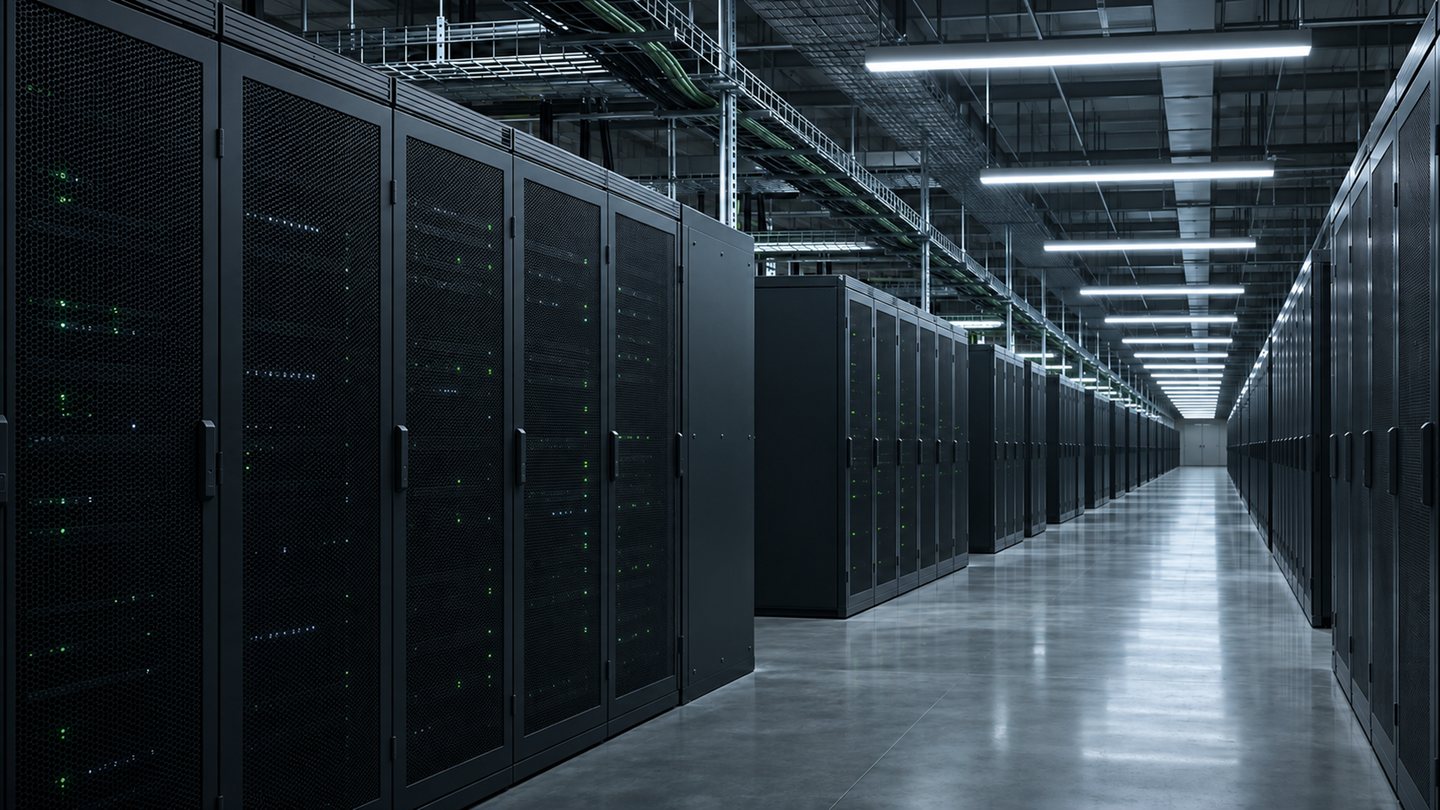
The cloud is someone else’s data centre.
A document sent to the cloud is processed on the AI provider’s servers. Confidential documents do not always belong in the cloud.
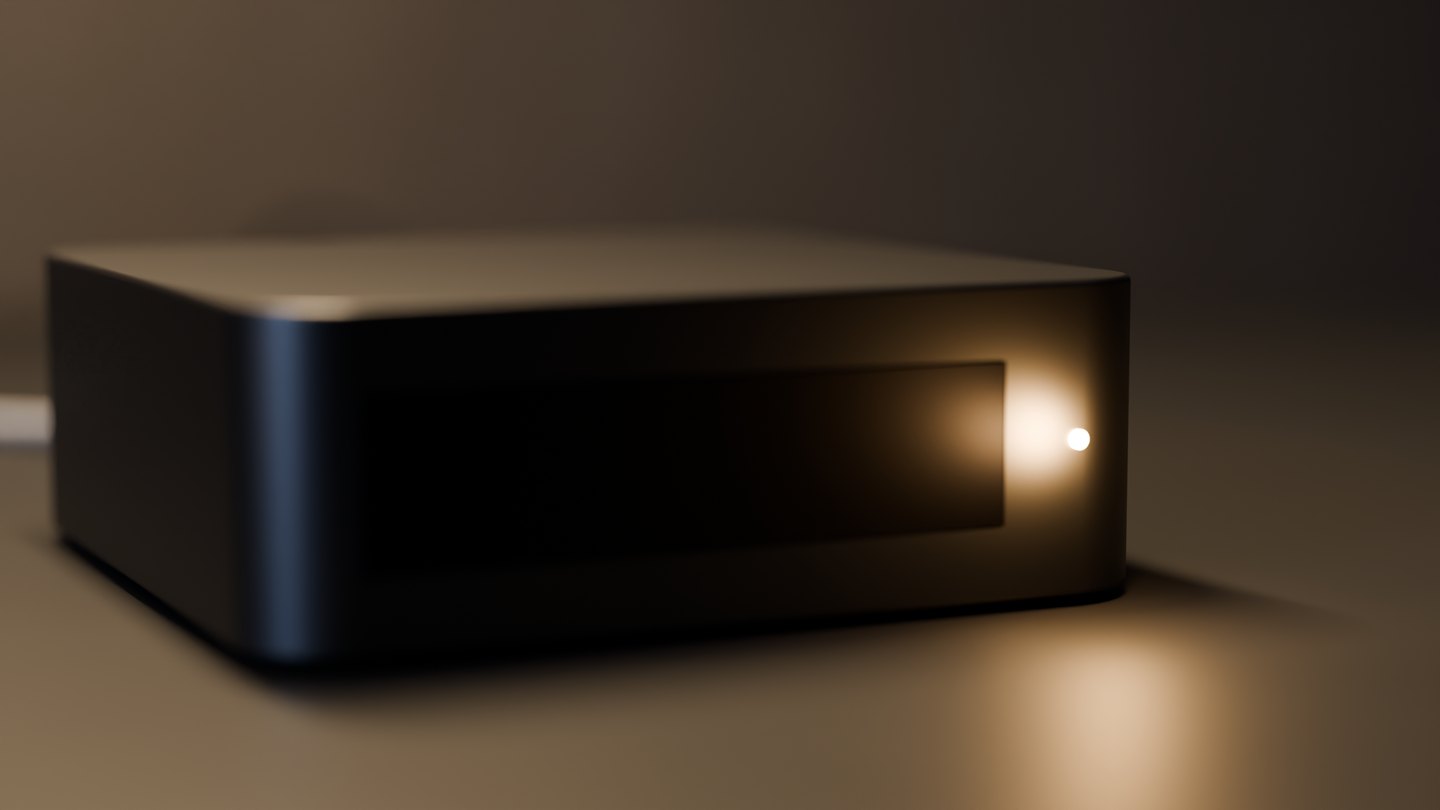
Loota runs on your own server.
The language model, the search and the databases all run on your server. Questions and documents are not sent to an external AI service.
External connections are made only if an administrator switches on web search or an integration. Both are off by default.
Still from the film
Still from the film
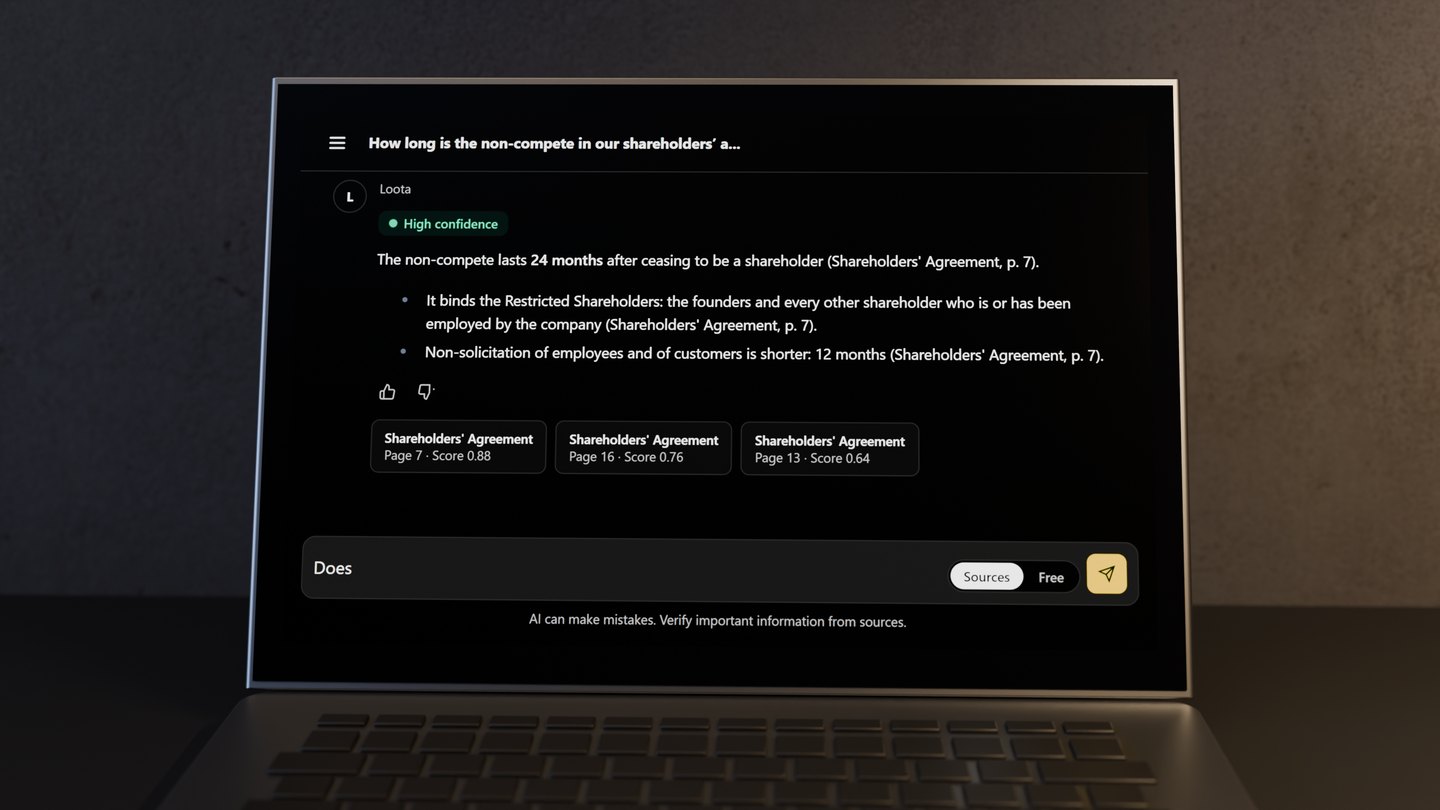
Ask in your own words. Loota answers from your documents.
Check the source behind the answer. Open a source card to read the page it refers to.
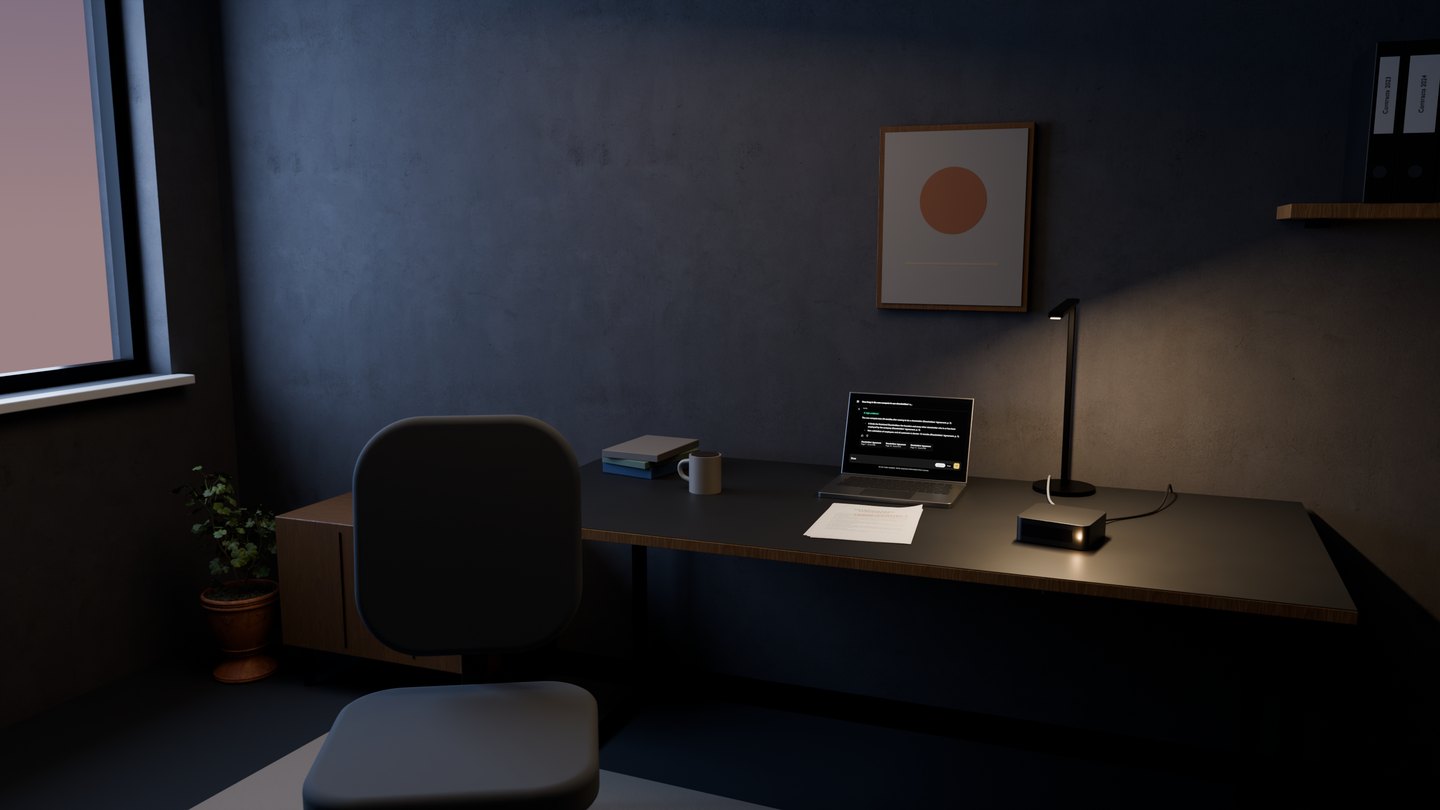
Your administrator decides who sees what.
Search stays within the documents a user has been granted. The log shows who did what and when, without the content of questions, answers or documents.
Still from the film