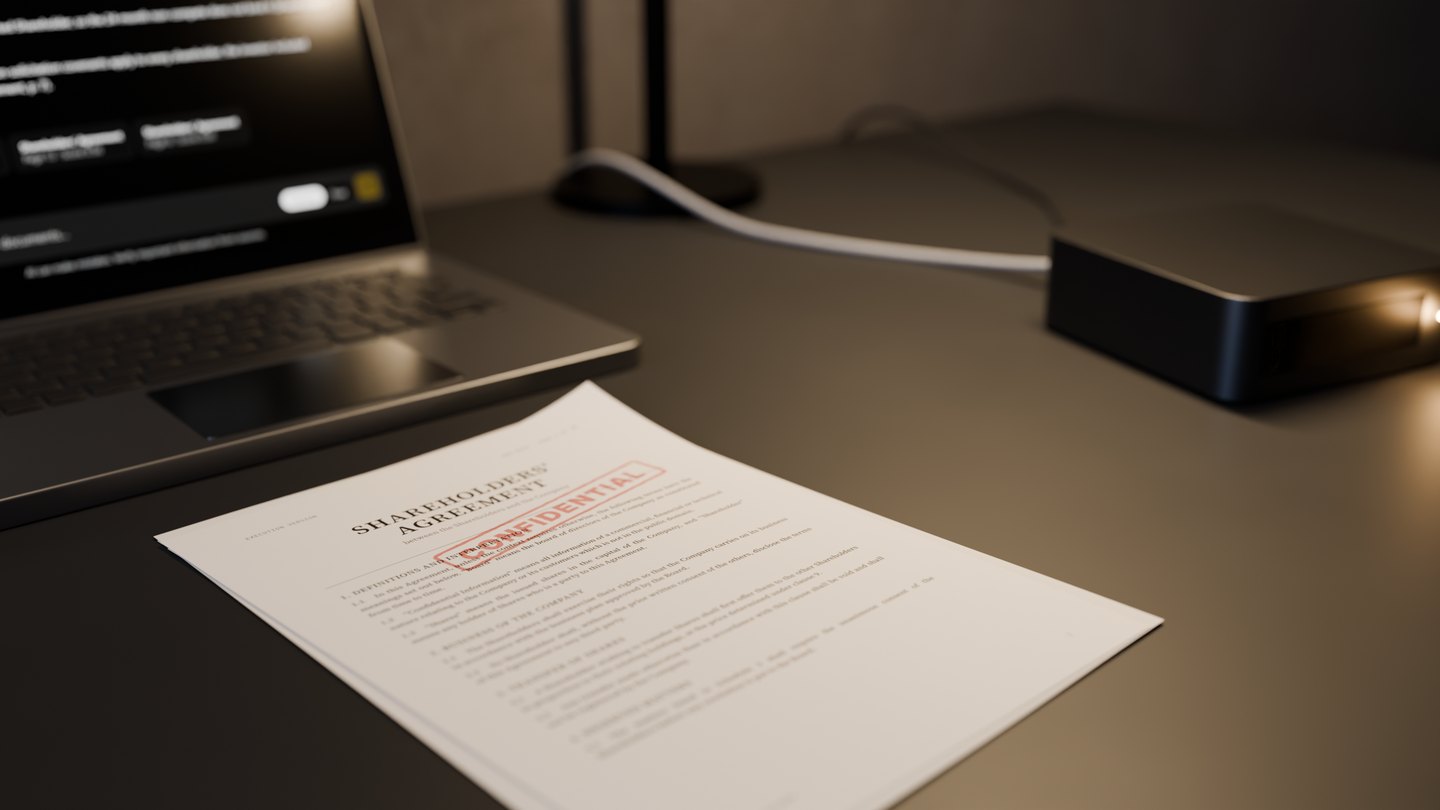
Still from the film
Demo
Try Loota. Right in your browser.
The demo is the same software that is installed on your own server. No account needed.
In the demo
Ask about the sample documents or your own.
- Documents
- The demo has sample documents ready. You can also add up to five of your own PDF, Word or text files.
- Sources
- Every answer carries references. Click one to open the document at the page the answer is based on.
- Free mode
- Write, and have Loota produce finished Word, Excel and PDF files.
The demo uses the same language model as your own installation, so you can try Finnish-language answers too.
Demo and your server
The same Loota, in a different place.
In your own installation the language model, the search and the databases run on your server. The demo runs on hosted services instead: the text of your documents and questions is processed by the outside services listed on the demo’s start page.
So do not add confidential documents or personal data to the demo. Your workspace is deleted after 24 hours, or at once when you end the demo.
Response times depend on hardware and workload, so the demo’s speed can differ from your own installation.
Steps
You decide whether to continue.
- Demo
- Try Loota in your browser with the sample documents or your own.
- Demonstration
- We show how Loota answers, where the source is shown, and how access rights and the log work. You tell us what kind of material and tasks you have.
- Technical review
- With your IT team we go through your environment, sign-in and any integrations with other systems.
Costs
A written proposal with itemised costs.
The proposal itemises hardware, deployment, service and maintenance, and sets out how updates and remote support are handled.
Write to us.
Tell us about your organisation and the documents you want to work with. We reply by email and arrange a demonstration.
Still from the film
The message
You can also start the message here.
The form opens your own email program with the message filled in. Nothing is sent until you send it.
