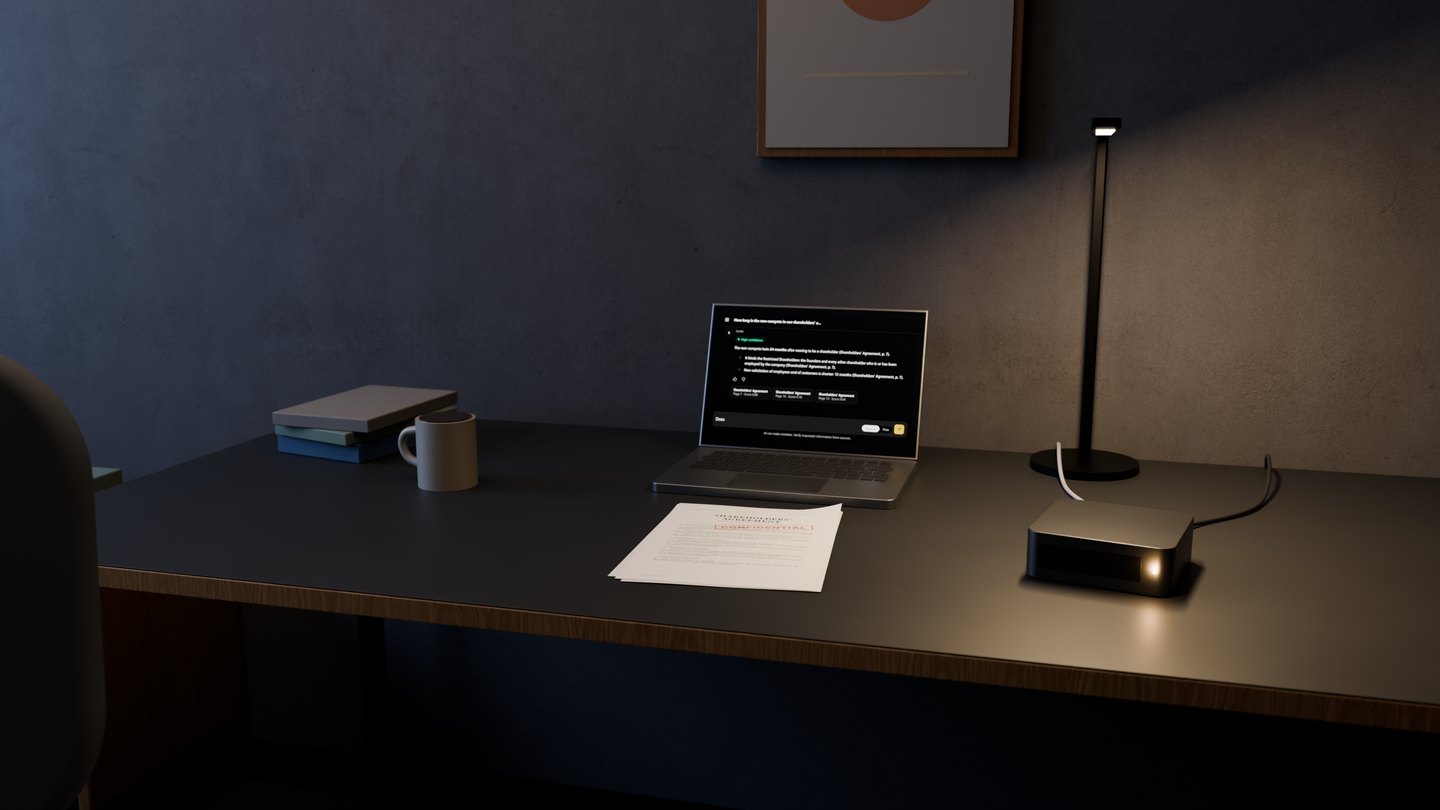
What Loota does
Ask a question. Check the source.
Loota answers from your organisation’s own documents. It can also create files and longer documents.
Still from the film
Sources
See where the answer comes from.


Loota finds the pages in your library and writes the answer from them. Claims in the answer are followed by a reference: the document and the page.
Under the answer are source cards. Click a card to read the page the answer is based on.
The usual alternative is opening three PDFs and pressing Ctrl+F.
A label above the answer, High, Medium or Low, shows how well the pages Loota found matched the question. It rates the search, not the answer, so the source is always shown.
If your documents do not contain the answer, Loota is instructed to say so.
Language models can make mistakes, so the interface reminds users to check important information against the sources.
Two modes
The chat has two modes.
You change mode with the switch at the right-hand end of the input field.


- Sources mode
- The answer is based on the documents in the library. It carries references, source cards and the relevance label.
- Free mode
- Loota works with the files you attach to the conversation instead of the library. Here Free means ‘without the library’, not ‘free of charge’.
Files
Create PDF, Word and Excel files.
Files come out formatted, with headings, page numbers and tables. Excel files have a frozen header row and filters.
They are produced on your server.
Longer documents
A longer document in several parts, PDF or Word, is written as a background job. Loota proposes an outline, you approve it, and the document is written section by section.
You can follow the job, pause and resume it, and download the draft so far.
Actions that write or send something work the same way: they wait for your approval.
The library
The library is the material Loota searches.
Answers are exactly as current as the documents in the library.
- Accepted
- PDF, Word (docx), Excel (xlsx, xls), PowerPoint (pptx), CSV, HTML, Markdown, plain text, RTF, JSON and XML.
- Not supported
- Scanned pages without a text layer (there is no OCR) and CAD drawings.
Memory, skills, language
Save your preferences. Set instructions for recurring tasks.
Memory
Each user has their own memory for saved preferences, such as the style of answers. Users can see and delete every note. Nobody else can see them, not even administrators, and memory gives no access to documents.
Skills
A skill is a short written instruction that Loota follows for recurring work. It belongs to its author until an administrator publishes it for everyone. Administrators can switch each tool and skill on or off.
Language
Loota answers in the language of the question, and the documents can be in another language. The interface is currently in English.
Try Finnish-language answers with your own documents in the demo.
